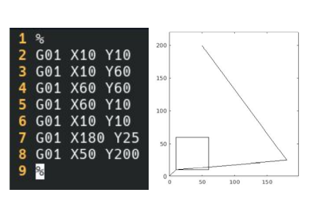
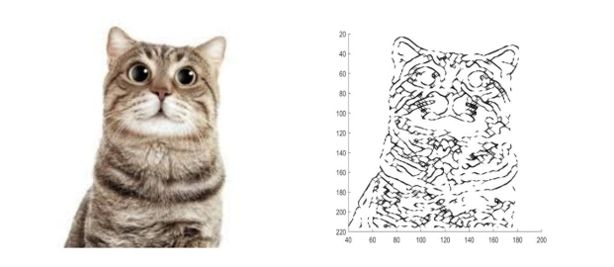
Turning any image into a single continuous line and the G-code to draw it on a motorized Etch A Sketch.
Objective. In 2.086, students focus on numerical methods, linear and differential equations, and MATLAB. The term project asks students to use MATLAB to solve a real-world physical problem.
Solution. Working in a group of three, I developed MATLAB code that mimics an Etch A Sketch — the children's drawing toy driven by two rotating knobs. The goal: take an input image and output functional G-code to drive the knobs.
My responsibility was the algorithm that segments an image into a sequence of connected lines while minimizing computation and preserving the image's essence. I used MATLAB's built-in edge detection to reduce the image to line segments (shading and line thickness would balloon runtime). Because an Etch A Sketch pen never leaves the page, I then connected the segments into one continuous line — first checking nearest neighbors, then minimizing the extra line length needed to join them. Finally, we converted the array of line endpoints into G-code that actuates stepper motors attached to the knobs.